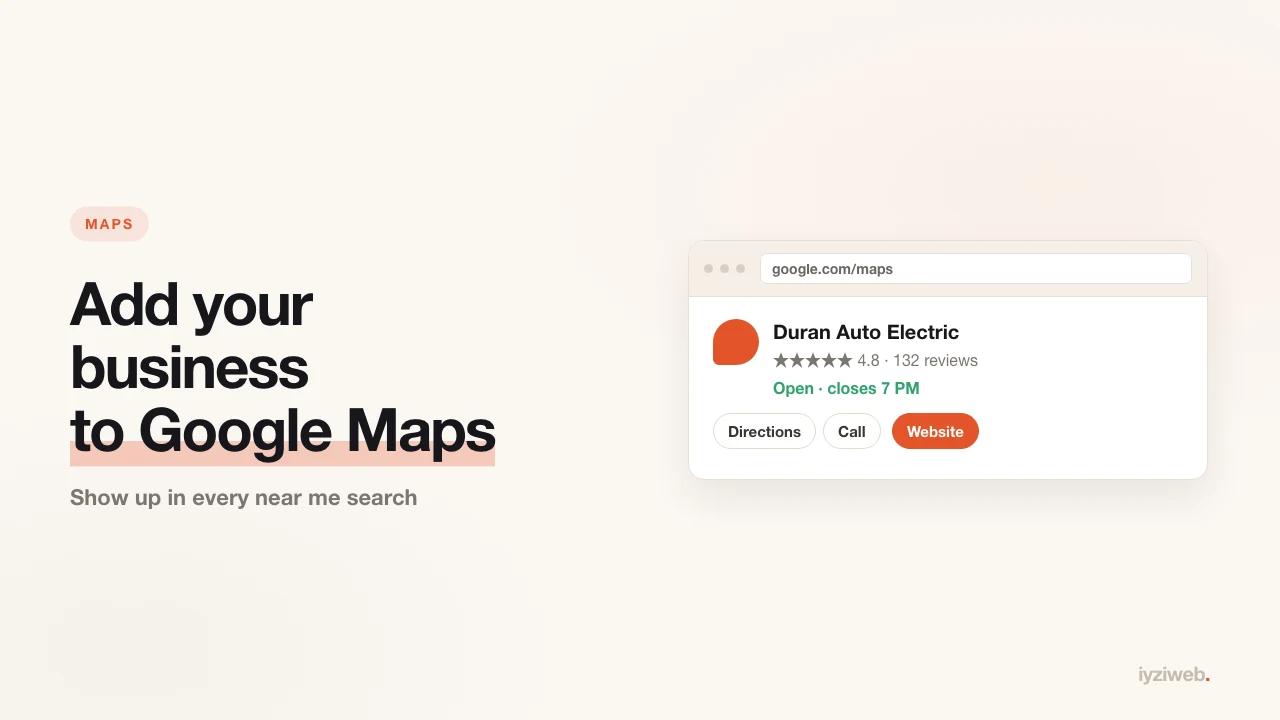
"Barber near me", "emergency plumber Brooklyn", "closest dental clinic" — the map box that appears for those searches is the most valuable real estate a local business can occupy on Google. The only way in is a Google Business Profile. It is free and takes an afternoon.
Step by step registration
- Go to google.com/business and sign in. Use a separate account for the business — handing over a personal account later is painful.
- Enter the business name exactly as it appears on your sign. Padding it out ("Best Barber Shop Brooklyn Cheap Cuts") breaks Google's rules and is a common cause of suspension.
- Choose the category. This is the most critical field in the listing — it decides which searches you appear in. "Barber shop" and "hair salon" land in different results. One primary category, plus secondary ones if needed.
- Address or service area. If you have premises, enter the address. If you travel to customers (plumber, mover, mobile mechanic) you can hide the address and select the areas you serve instead.
- Phone and website. Do not leave the website field empty — it directly affects how credible the profile looks and how often it is clicked.
- Verification. Usually a video recording or a postcard, sometimes a phone call. For video you record the outside (sign plus street), the inside and a document. Postcards take one to three weeks and the profile stays hidden until the code is entered.
After verification: the part that does the work
Registering puts you on the map. These are the things that move you up:
1. Photos — the most underrated field
Google visibly favours profiles with photos, and people do not trust a business without them. At minimum:
- An exterior shot with the sign (so customers can find the door)
- Two or three interior shots
- Examples of your work — the cut, the repair, the plate, the smile
- A team photo if you have one
Do not use stock images. Downloaded photos get reported, and people notice anyway. A real phone snapshot outperforms a polished stock shot.
2. Reviews — the fuel for ranking
Review count and freshness are among the strongest influences on local ranking.
- Ask the happy customer in the moment. Messaging the next day does not work.
- Grab the "review link" from your profile and send it in one tap.
- Reply to every review, including the bad ones. Google treats a replying profile as active, and the reader sees how you behave.
- Never buy reviews. It gets detected and the profile gets suspended.
3. Consistency of your details
Google compares your name, phone and address across the internet. If the phone on your site differs from the one on the profile, trust drops. Write the address and phone identically everywhere — even the gap between "(212) 555-4433" and "+1 212 555 4433" is worth tidying.
The site and the profile work together
They do different jobs and feed each other:
| Business Profile | Your website | |
|---|---|---|
| Where it shows | Maps and "near me" | Search results |
| How much it explains | Basic details | Services, pricing, questions |
| Who owns it | You | |
| How long it takes | Verification 1-3 weeks | Minutes |
The website link on your profile takes visitors to the only place where you can answer "is this the right business for me". If your site covers the common questions in your trade, map visitors turn into customers.
Common problems
- "My business is already listed and it isn't mine." Google users can create listings. Use the "Own this business?" link on the profile to claim it and verify.
- "My verification video was rejected." Usually because the sign or the street was not visible. Record one continuous shot walking from outside to inside.
- "My profile was suspended." Typically keyword stuffing in the name or a virtual office address. Fix the name and file an appeal.
- "My address is my home and I don't want it public." Register as a service area business; the address stays hidden and the areas show instead.
One more thing
After opening the profile, add your site to Google Search Console too. The profile measures visibility on the map, Search Console measures visibility in search. Together they answer "how are people finding me".
Next comes collecting reviews — seven ways that actually work — and how to shoot the photos you will upload to the profile.