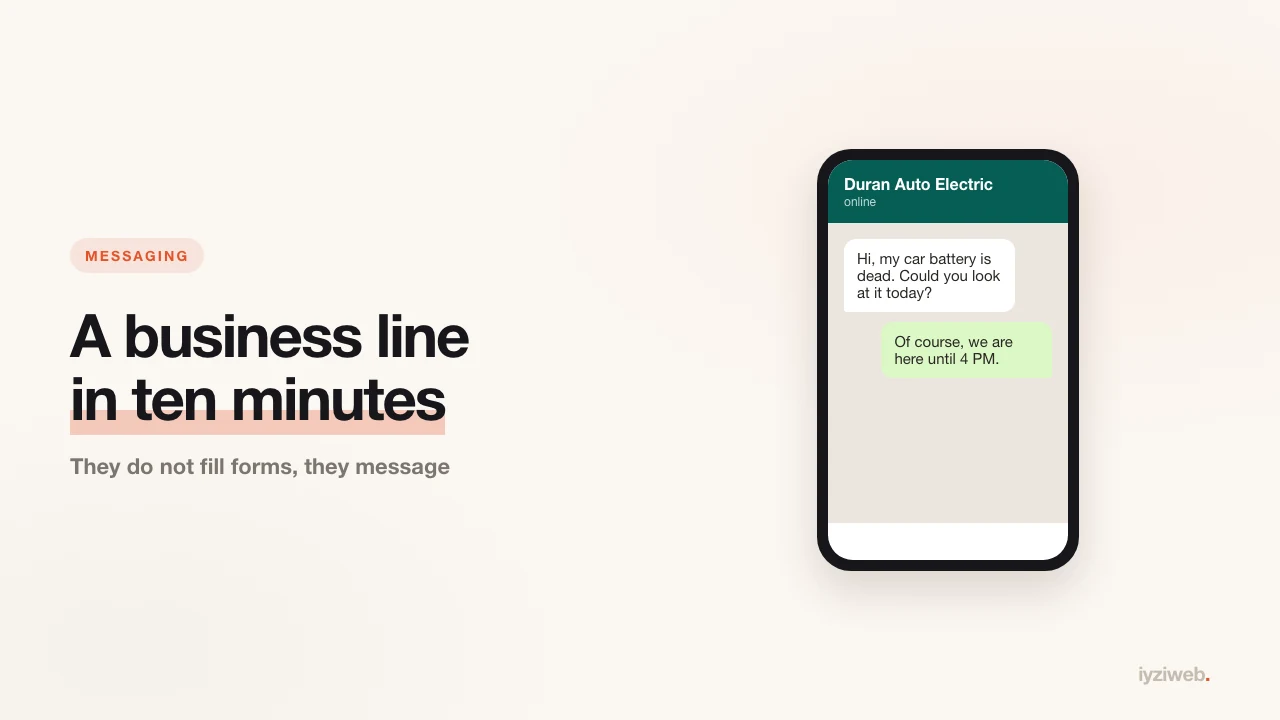
More and more small businesses talk to customers by message rather than by phone call. WhatsApp dominates in the UK, Europe, India and Latin America; in the US the same job is usually done by SMS or Apple Messages. Whichever the channel, the problem is identical: most owners are still messaging from their personal number, so the working day never ends. WhatsApp Business solves exactly that separation, and it is free.
Two things people confuse
| WhatsApp Business app | WhatsApp Business Platform (API) | |
|---|---|---|
| Who it suits | Small businesses and sole traders | Larger firms with a support team |
| Cost | Free | Charged per conversation |
| Setup | Install the app, ten minutes | A provider and technical integration |
| How many users | One phone plus linked devices | Unlimited agents |
This post covers the first. To work out whether you need the second: if you receive fewer than 50 messages a day, you do not.
Setup, step by step
1. Decide on the number
Two options. A separate number is cleanest: your personal line stays personal and you can mute the business line in the evening. Migrating your existing number works too, but the personal account on that number converts into a business account and reversing it is a chore. A landline works as well: the verification code arrives by voice call rather than SMS.
2. Install and verify
Download "WhatsApp Business", enter the number, type in the code. Your personal WhatsApp can stay on the same phone; both run at once as long as the numbers differ.
3. Fill in the business profile completely
This is the part most people skip and the part that pays best:
- Business name — the same as the one on your sign
- Category — this is the label customers see you under
- Address — it is what enables the "directions" button
- Opening hours — your profile shows "Closed" outside them, which heads off unrealistic expectations
- Website address — appears as a tappable link on the profile
4. Set up the three automatic messages
- Greeting message: sent automatically to anyone messaging for the first time. Put your service list and your website address in it.
- Away message: triggers outside working hours. "We're back at 9am tomorrow" is far better than silence.
- Quick replies: bind your most-typed sentences to shortcuts. If you send the price list ten times a day, this saves ten minutes a day.
5. Add a catalogue
You can list products or services with photos, prices and descriptions. When someone asks "do you have a price list", it goes across in one tap. The catalogue is a small window display — it does not replace a website, but inside a conversation it earns its place.
6. Use labels
Tag conversations with labels like "New enquiry", "Awaiting payment", "Delivered". You have effectively built a simple customer tracking system, for nothing.
Putting the number on your site
The most common mistake is writing the number as plain text: the customer has to copy and paste it, and most will not. What you want is a tappable link. The format is:
https://wa.me/12125550134
You write the number with the country code, no plus sign and no spaces: 1 for
the US and Canada, 44 for the UK, and the leading zero of a local number is dropped. So
07700 900123 in the UK becomes 447700900123.
Pre-filling the message
You can attach ready-made text to the link, so the chat box opens already filled in and the customer only has to hit send:
https://wa.me/12125550134?text=Hi,%20I'd%20like%20to%20book%20an%20appointment
Spaces are written as %20. The benefit is bigger than it looks: a customer
who does not know what to write will write once they see a sentence already there.
Where it should go
- At the top of the page, next to the phone number
- Immediately under the price list — someone who has just seen a price asks right then
- As a button fixed to the bottom of the screen on mobile
On sites built with İyziWeb this button comes ready; you type your number into the chat and the link format is built for you.
Two warnings
Do not send bulk messages. Sending promotional messages to people who have not opted in gets numbers banned and breaks marketing rules in most countries (GDPR and PECR in the UK and EU, TCPA in the US). Replying to someone who wrote to you is fine; you initiating a commercial message requires consent.
Turn on backups. Lose the phone and you lose the entire customer history. Enabling backup is a one-off setting, and chat history is the most expensive thing to lose here.
Source
- WhatsApp's own help centre — the business app and the click-to-chat link format: faq.whatsapp.com
If you work by appointment, put this line into a routine: how to set up online booking. And the same button is the bridge from social media — details here.