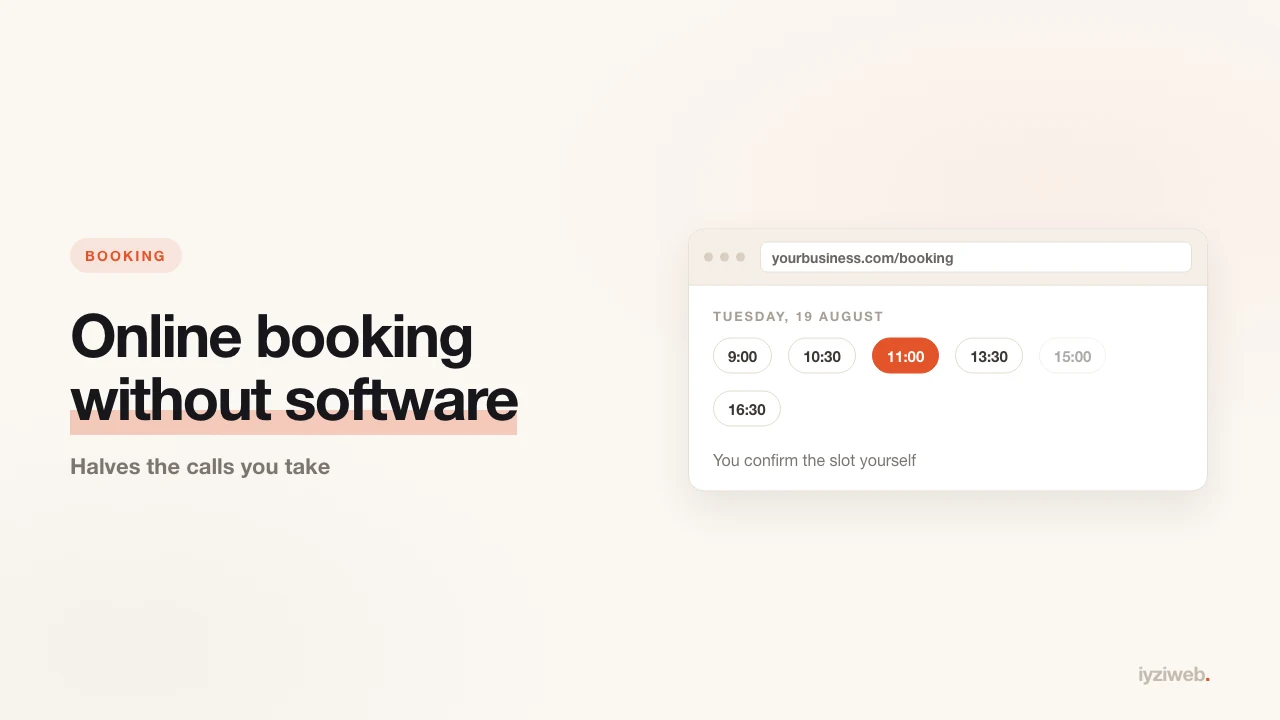
In an appointment-based business, a large part of the day happens on the phone. The customer calls, you cross the room with scissors in your hand, you scan the diary for a gap, you say "how about three tomorrow?". The same conversation, dozens of times a day.
Online booking lifts that load. But when owners see the monthly fee on booking software, most give up — and reasonably so, because most businesses do not need that software.
First answer this: do you really need a calendar?
Businesses split three ways by booking need:
| Situation | What is enough | Software needed? |
|---|---|---|
| Solo, 5-15 appointments a day | A form on the site plus messaging | No |
| 2-4 people sharing chairs or rooms | Shared calendar plus a form | Usually no |
| Multiple locations, payment taken | Real booking software | Yes |
Most small businesses are in the first two rows. Paying a subscription there creates more work than it removes: staff have to learn it, customers have to install something, and you end up checking another dashboard all day.
The no-subscription setup: three parts
1. A booking form on the site
Keep the fields few. Every extra field increases the number of people who abandon the form. Four things are enough:
- Name
- Phone
- Which service (as a list — "cut, colour, blow-dry")
- Preferred day and rough time (not an exact slot: "Friday afternoon")
That last decision is the important one. Letting customers pick an exact time forces you to have a real calendar behind it. Asking for a window and confirming it yourself removes the need for software entirely — and keeps your schedule under your control.
2. The confirmation message
When a request arrives, send one message within 15 minutes: "Hi Sarah, I've put you down for Friday at 3:30. Does that work?"
That message matters more than the booking itself. Someone who does not reply was not going to show up anyway, and you have not blocked out a slot for nothing.
3. The reminder
One line the day before: "See you tomorrow at 3:30." This is the single biggest lever on no-show rates. Businesses that send no reminder run visibly higher empty-slot rates, particularly at weekends.
Why messaging rather than a phone call
Neither of you has to make a call. Because it is written, there is no argument about what time was agreed — both sides have the record. And the customer saves your number, so next time they come straight back to you.
If you have not set the line up yet, how to set up a business messaging line covers greeting messages and business hours.
Where to keep the calendar
A paper diary is fine but lives in one place; you cannot see it when you are out. The free and entirely sufficient answer is the calendar app on your phone.
- Enter every appointment as customer name plus service
- Give each staff member a colour
- Share the calendar with the team so everyone sees the same screen
- Set a "remind me 20 minutes before" alert; you send the customer reminder
This setup does about 90% of what a paid tool does.
Cutting no-shows
- Require confirmation. An unconfirmed booking is not a booking.
- Remind the day before. One sentence is enough.
- Ration the busy slots. Saturday 2-5pm is what everyone wants; give it to customers who have shown up before.
- Say it plainly to repeat no-shows. "That'll be the third time — next one I'll need a deposit" is not rude, it is running a business.
- Make cancelling easy. A customer who finds cancelling awkward does not cancel, they just fail to appear. "Just message me if you can't make it" gives you a chance to refill the slot.
A booking page also works on Google
If your site has a page titled "Book an appointment", it can surface for searches like "hair salon booking Brooklyn". Putting the form on its own page with its own address, rather than burying it at the bottom of the homepage, helps you both in search and when sharing the link in a message.
What the page needs: services and durations, opening hours, address and map, your cancellation rule, and the form. Whether to show prices is your call — showing them cuts the time spent answering "how much is it" considerably.
When software is genuinely worth it
Once two of these three are true, the monthly fee pays for itself:
- More than 30 appointments a day
- Payment taken at the time of booking
- Multiple locations or distribution across 5+ staff
Without those, the software brings more problems than it solves.
If you are unsure what to write on the booking page, the patterns in how to write website copy will cover it. And the end of an appointment is the best possible moment to ask for a review.
In short
Online booking is not software, it is a routine: a short form on the site, a confirmation within 15 minutes, a reminder the day before. Put those three in place and your phone quietens down, no-shows drop, and your schedule stays yours.