Half of all website projects stall not because of a technical problem but because of missing information. "Where is my logo", "how do we write the address again", "what is the registration number" — and the job stretches across weeks.
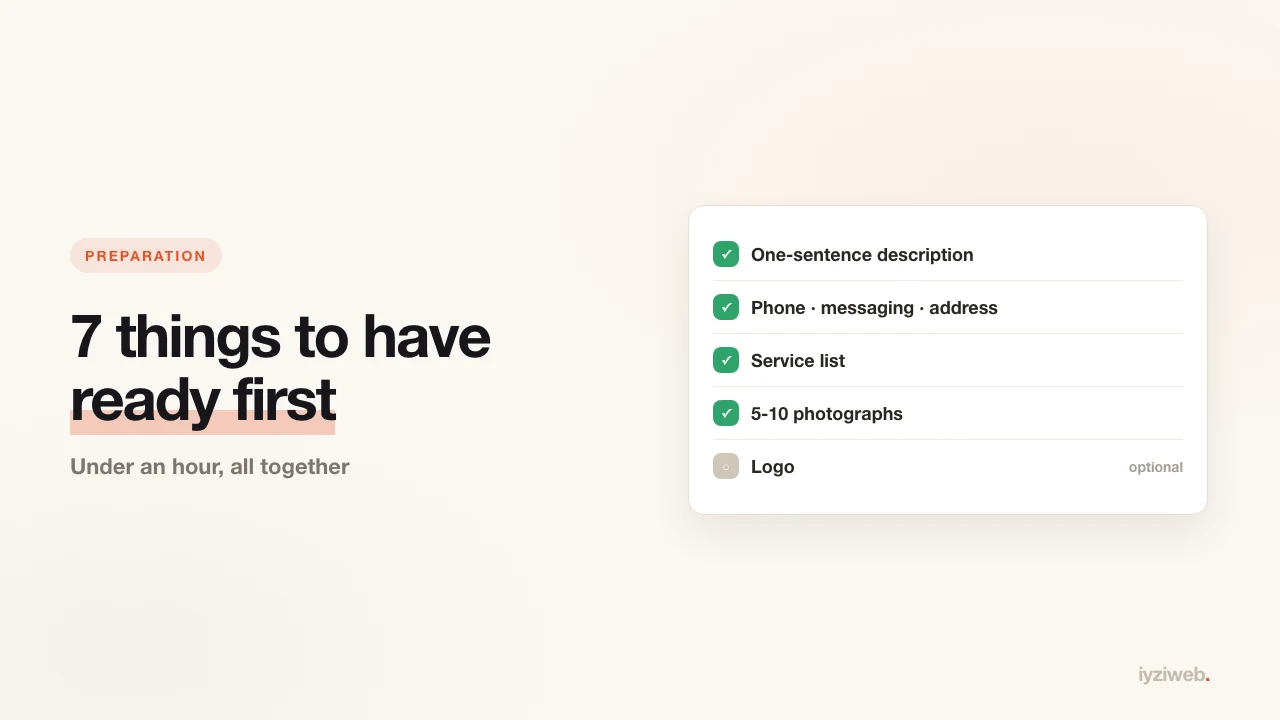
Gather the seven items below in advance and the build takes minutes. Put them all in one folder and use them in a single sitting.
1. A one-sentence description of the business
This is the most important item and the one people get stuck on. You need to write what you do in one sentence — no decoration, no adjectives.
This pattern works: [what you do] + [for whom] + [where]
- "I repair domestic appliances across Brooklyn, with same-day service."
- "I do bookkeeping for small companies in central Manchester."
- "I make wedding and event flowers in Portland, with city-wide delivery."
That sentence is the spine of the site: headings, page structure and copy all come out of it. Prepare only this one item and half the build is already done.
2. Contact details, in full
Write these down somewhere:
- Phone (the number customers should call)
- Messaging number — if it differs from the phone
- Email — if you do not have a business address yet, here is how to get one
- Street address — if you have premises, exactly as it appears on the sign
- Opening hours — weekdays and weekends separately
Keep the address spelled the same way as it appears on Google Maps. Mismatched addresses make it harder for your listing and your site to be matched to each other.
3. Service list and pricing approach
List what you offer, then mark the three that earn the most. Those are the ones that go front and centre.
On pricing there are three valid options: publish exact prices, give a "starting from" figure, or quote on request. If your work is standardised, publishing prices filters out the wrong calls; if every job differs, a range is enough.
4. Five to ten photographs
Photography makes the biggest difference on a site and is the most neglected part. Stock images create a "is this business real" doubt; a photo of your own work convinces on its own.
What to collect:
- The shop or office from outside (with the sign visible)
- One or two interior shots
- Three to five examples of your work — before-and-after where possible
- A photo of you or the team
You do not need a camera; a phone will do. For light and angle, see taking business photos with your phone.
5. A logo, if you have one
If you have a logo, find the version with a transparent background (PNG or SVG). A photo of the sign can be used but the edges will need cleaning up.
If you do not have one: do not let it delay the build. Your business name set in a good typeface works better than a rushed bad logo. You can add one later.
6. The domain decision
Will you buy your own domain, or start on a free subdomain? The difference, and when each is enough, is in custom domain or free subdomain.
If you are buying, pick two or three candidates, because your first choice may be taken. Short names that are spelled the way they sound and can be described over the phone win. Avoid hyphens and numbers — nobody can dictate those out loud.
7. Legal details
If you will sell from the site or collect information through a form, you need:
- The full legal name of the business (as it appears on invoices)
- Tax or VAT registration details where applicable
- Company registration number, if you are incorporated
- A registered address for correspondence
A brochure site needs very little of this. But the moment you add a contact form, a privacy policy becomes necessary — GDPR in the UK and EU, and comparable state laws in the US. If you are unsure about your own case, ask your accountant or solicitor; this post is not legal advice.
The preparation checklist
| Item | Time | Required? |
|---|---|---|
| One-sentence description | 5 min | Yes |
| Contact details | 5 min | Yes |
| Service list | 10 min | Yes |
| Photographs | 30 min | Very important |
| Logo | — | No |
| Domain decision | 10 min | Can wait |
| Legal details | 15 min | If selling or collecting data |
Under an hour in total. That hour removes the days normally lost during the build.
Frequently asked
None of it is ready. Can I still start?
You can — the one-sentence description alone is enough. The site gets built and you add
the rest afterwards. But a site without photos looks empty, so gather at least three to
five frames.
Do I have to write the copy myself?
No. Once you describe the business, the copy arrives written and you only review and
adjust. If you would rather write it yourself, see the
copywriting guide.
Can I change things later?
Yes. Photos, copy, phone number — all of it changes afterwards. Do not chase perfection on
the first build; being live beats waiting.
In short
The hard part of building a site is not technical, it is gathering information. A one-sentence description, your contact details and a few real photographs — with those three ready, the rest takes care of itself.