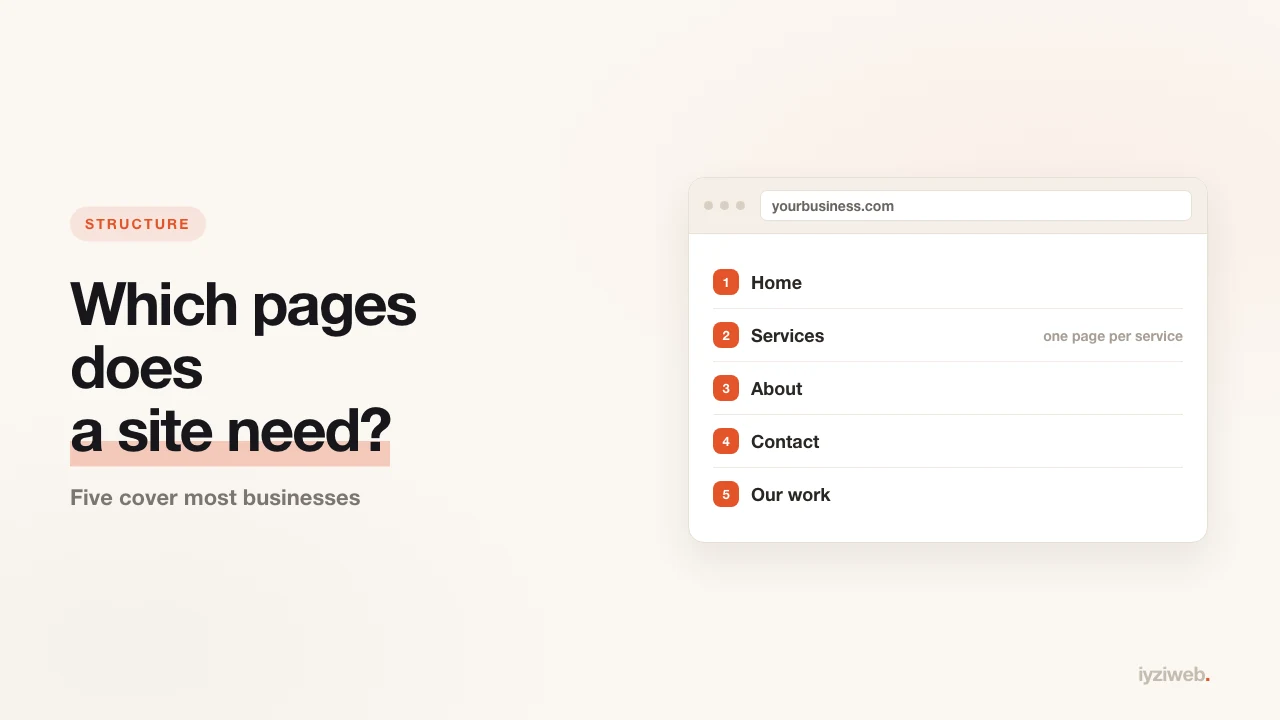
One of the first questions when building a site: how many pages? The answer is less flexible than people assume. Five pages suffice for most businesses, a sixth is usually filler, and one of the five is built wrong on nearly every site out there.
We will split them three ways: essential, growth and dead weight. Then there is the legally required part, which we keep separate.
The five essential pages
1. Home — "is this the right place?"
The homepage has one job: the visitor should know within three seconds that they landed correctly. Three pieces of information do that — what you do, where you do it, and how to reach you.
The most common mistake is opening with a company history: "Founded in 2008, our firm has…" The visitor does not know you yet and is not curious about your founding year. Answer their need first, move the history down.
2. Services — the page that actually works
Most search traffic lands here. The critical rule: a separate page per service, not one page with a bulleted list.
The reason is common sense rather than technical: someone searching "AC installation" should be shown a page about AC installation. If that information is the fourth heading among six services, Google does not treat the page as an AC installation page.
Three services means three pages. Twenty services means splitting out the five that earn the most and grouping the rest.
3. About — the trust page
This page does not sell, but it removes the doubt that blocks the sale. Especially in consulting, health and legal work — where trust comes before price — visitors always open it.
What belongs in it: a real photograph (not stock), how long you have done this, any certifications, and a short "why we do this". It does not need to be long — it needs to be true.
4. Contact — the most-botched page
Almost every site has one, and most of them contain a single form. In practice a large share of people never fill in forms; they call or message.
What the contact page needs:
- Phone number — tappable to call on a phone
- A messaging link — setup in the WhatsApp Business guide
- Address and map — for any business with premises
- Opening hours — the answer to "are they open right now"
- A business email on your own domain; how to get one
The form goes last, not first.
5. Work or testimonials
Photographs of the work you have done are the single most persuasive content you can publish. Renovation, hairdressing, bodywork, landscaping, dentistry — anywhere before-and-after exists, this page outperforms all the others.
How to shoot the photos properly with a phone is covered in a separate post — you do not need expensive gear, light and angle are enough.
Pages that grow the business
Not mandatory, but they make a real difference when the need exists:
| Page | Who needs it | What it earns |
|---|---|---|
| Blog | Anyone getting customers from search | Captures question-shaped searches |
| Booking | Clinics, salons, consultants | Cuts phone traffic |
| Price list | Businesses with standard pricing | Filters out tyre-kickers |
| FAQ | Anyone answering the same question daily | Saves time and builds trust |
For the booking side, see how to set up online booking. If you run a cafe or restaurant, the price list doubles as your menu page — and that same page becomes your QR menu for free.
Dead weight
These are not harmful, but they almost never do anything:
- "Mission and Vision" — nobody reads it. If you have something to say, two sentences inside About will do.
- "Quality Policy" — unnecessary unless a certification requires it.
- An empty gallery — three blurry photos are worse than none.
- A "Coming soon" page — it lowers trust directly. If it is not ready, do not publish it.
- News or announcements — if the last entry is two years old, the site looks abandoned.
The legally required part
This one is not a preference. If you sell online or collect personal data (a form, a newsletter signup, cookies), certain texts have to exist:
- A privacy policy — required once you collect names, phone numbers or email addresses. Under GDPR in the UK and EU this is explicit; most US states now have comparable rules.
- A cookie notice, plus consent where analytics or advertising cookies are used
- Terms of sale and pre-contract information — if you sell from the site
- Returns and delivery terms — again, for anyone selling
- Business identity details — trading name, address, contact, company or tax registration where applicable
A brochure site with no form needs very little of this. But the moment you add a contact form, data protection applies. If your own situation is unclear, ask your accountant or solicitor — this post is not legal advice.
So how many pages should you start with?
The recommendation is firm: start with five — home, services, about, contact, work. Add more as the need appears.
The reverse is far more expensive: sites that launch with fifteen pages usually sit half-empty, and that emptiness tells both visitors and Google "this is unfinished".
Frequently asked
Can a one-page site work?
It can, with limits: one page means one topic in Google's eyes, so you show up for one
kind of search. Fine for a single service; three services work better as three pages.
Is a blog really necessary?
If your customers research before contacting you, yes. Someone searching "why is my
boiler not heating" is not looking for a plumber yet — but they call one from the page
that answered them.
Should I publish prices?
If your work is standardised, yes — it filters out the wrong calls and brings in serious
ones. If pricing varies wildly, a "from" price or a range still beats silence.
In short
A good business site is not the one with many pages, it is the one with the right pages. Five cover most cases; the real difference comes from giving each service its own page and building the contact page around the phone rather than a form.