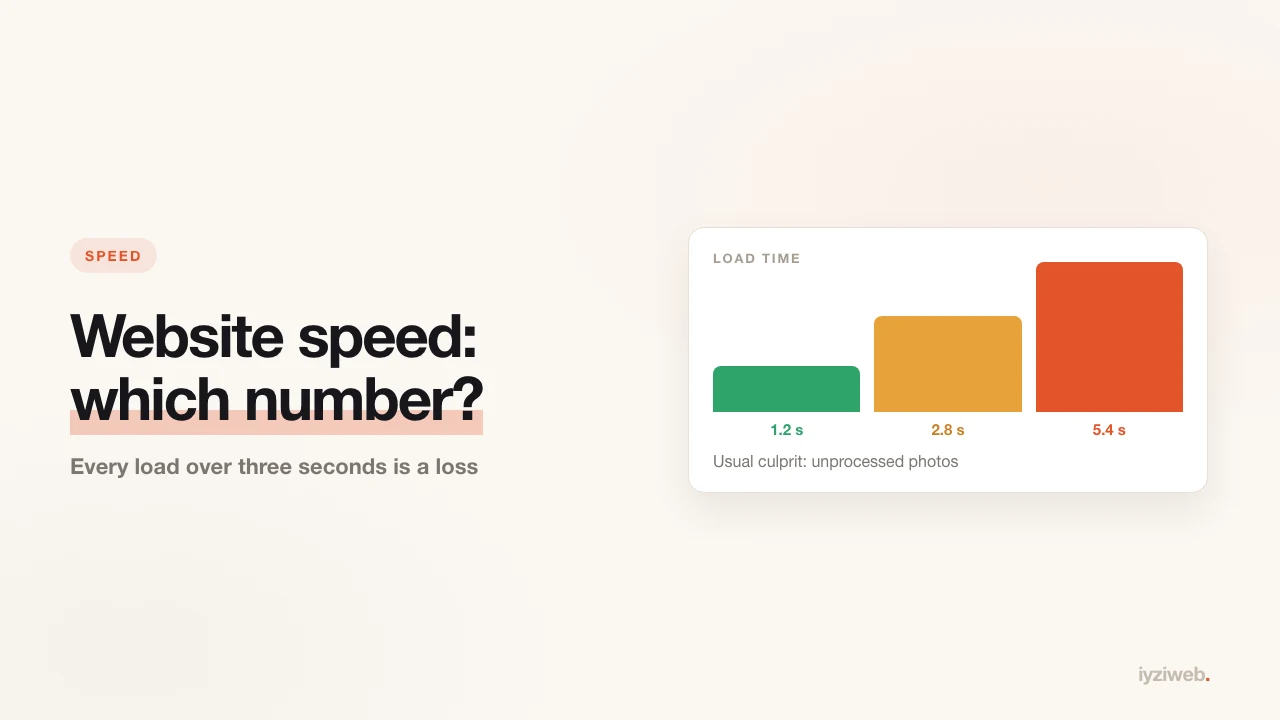
"Is my site slow?" is not a question you can answer by feel. Google has three measures for it, each with a published numeric threshold. Let's put those down first, then get to what actually slows small business sites.
Three measures, three thresholds
Google calls these Core Web Vitals. In plain terms: when did the page appear, how quickly did it respond to a tap, and did things shift around while you were reading.
| Measure | What it measures | Good |
|---|---|---|
| LCP | When the largest image or heading appears on screen | Under 2.5 seconds |
| INP | How long the page takes to respond to a tap | Under 200 ms |
| CLS | Content jumping around as you read | Under 0.1 |
One note: these are not calculated from a single visit but from real visitor data, and to "pass" you need 75% of visits under the threshold. So loading fast on your own phone is not enough; the customer on a patchy mobile connection counts too.
INP replaced FID in March 2024. If an article still talks about FID, that article is out of date.
Does speed really change ranking?
Honest answer: yes, but less than people assume. Speed is a tiebreaker between two pages with equivalent content. A slow page that answers the question beats a fast page that does not. So treat speed not as a ranking trick but as a matter of not losing visitors: on a page that will not load, you lose people long before Google does.
Five things that slow small business sites
1. Photos uploaded straight from a phone
Today's phones shoot 4-8 MB frames. Bringing the same photo down to 300 KB produces no visible quality loss but makes the page ten times faster. A cafe site with 20 product photos can easily become a 40 MB page for this reason alone.
2. Telling the hero image to "load later"
Using loading="lazy" on images is a good habit — except for the image
at the very top of the screen. Lazy-loading there tells the browser to wait at exactly
the moment being measured, and it damages LCP directly. The rule: no lazy on anything
visible without scrolling, lazy on everything below.
3. Images without dimensions
If the width and height are not written in the HTML, the browser cannot reserve space; when the photo lands, the text jumps down. A line moving while you read is not just irritating, it also drives up CLS. Put dimensions on every image.
4. Three separate font families
Every font family is another file download. Two families (one for headings, one for body) are nearly always enough; a third takes more from speed than it adds to design.
5. "Small" add-ons bolted on later
Live chat bubble, visitor counter, cookie banner, social feed, embedded map… each looks small alone. Five together can outweigh the site itself. Judge every tool with one question: how many customers did this bring in this month?
How do you measure your own site?
- PageSpeed Insights (pagespeed.web.dev) — paste the address and it returns all three. The "real user data" section at the bottom matters more than the lab test at the top.
- Search Console, Core Web Vitals report — covers the whole site in groups. Faster than testing pages one at a time.
- Your own phone, on mobile data — turn Wi-Fi off and open the site. This tells you in one second what most tools will not.
How this works on our side
Sites built with İyziWeb are published as static HTML: no database query, no theme engine, nothing to compute before the page appears. Images are optimised to web sizes as they are generated, their dimensions are written into the HTML, and everything below the fold is deferred.
That is not the same as "every site scores 100" — load enough photos and any site slows down. But the starting point is meaningfully better than an unmaintained theme installation.
Three things you can do today
- Find the three largest photos on your site and get them under 300 KB.
- Remove any add-on you are not using — especially the chat bubble and the counter.
- Open the site on mobile data; if the main heading is not there in three seconds, the problem is real.
The photo side of this is the part you control most directly: taking business photos with your phone covers sizing at the end. And if nobody is arriving at all, run through the nine-point diagnosis first.
Sources
- Core Web Vitals thresholds and methodology: web.dev/articles/vitals
- Why lazy loading the above-the-fold image hurts: web.dev — common misconceptions about LCP